DIYmodify Testing Instructions
Thank you for participating as a tester of the latest release of the DIYmodify app.
Your assistance will enable us to launch the updated version of the app on the Google Play store.
Note: This document is subject to being updated during the testing phase, please check back regularly in case there are changed.
Last updated
Contents
- What does the DIYmodify app do?
- How will I be testing it?
- How long do I need to test the app?
- Do I have to use the app daily?
- How do I install the app on my phone or tablet?
- Who do I contact if I have questions or concerns?
- Example Test Run
What does the DIYmodify app do?
The DIYmodify app provides suggestions for do-it-yourself home modifications based on issues that you might be having in particular areas of your home. For example, you might have difficulty showering due to slipping, in which case the app could suggest installing a grab rail in your shower.
The app will narrow down its suggestions based on your input.
Aside from suggesting possible solutions, the app will also elaborate, where possible, on various considerations, such as the price range and difficulty of the modification.
How will I be testing it?
Ideally, at least once a day, you should try choosing a different area in the app and varying the combination of selected issues to see what the app suggests.
After choosing a suggested option, please read all the paged information to ensure it is legible. Testing the story videos by watching them would also be helpful to ensure that playback is operational.
Apart from viewing content, please use the feedback form so that any issues submitting feedback can be discovered.
Other things you could do to enhance the quality of the test phase:
- Use a different screen orientation at times
- Use other devices for testing (e.g. phone and tablet, or test using different device brands)
You can submit feedback incrementally or when you have concluded testing.
Please use the following form to submit feedback as a tester:
https://forms.office.com/r/5ENHhLu9eX
How long do I need to test the app?
14 consecutive days at minimum.
An additional day would be appreciated as it removes the possibility of the testing time being considered 13.5 days.
Do I have to use the app daily?
It may be possible to skip a day of app usage, however if too many testers do this, Google's test tracking system might consider the entire test phase as invalid.
How do I install the app on my phone or tablet?
You should use the Google Play Store to install the DIYmodify app, the same way you install other apps on your device.
However, please note that the app will not appear in the Play store search, instead, you will need to use a direct link that will be provided to you once testing is ready to commence.
Please ensure that you use the same Google Account as the Google Account email address that you provided when signing up as a tester.
Who do I contact if I have questions or concerns?
Please use the following form to submit an enquiry:
https://forms.office.com/r/ZTBmhVLbgD
We endeavour to respond to enquiries relating to app testing within 3 business days.
Example Test Run
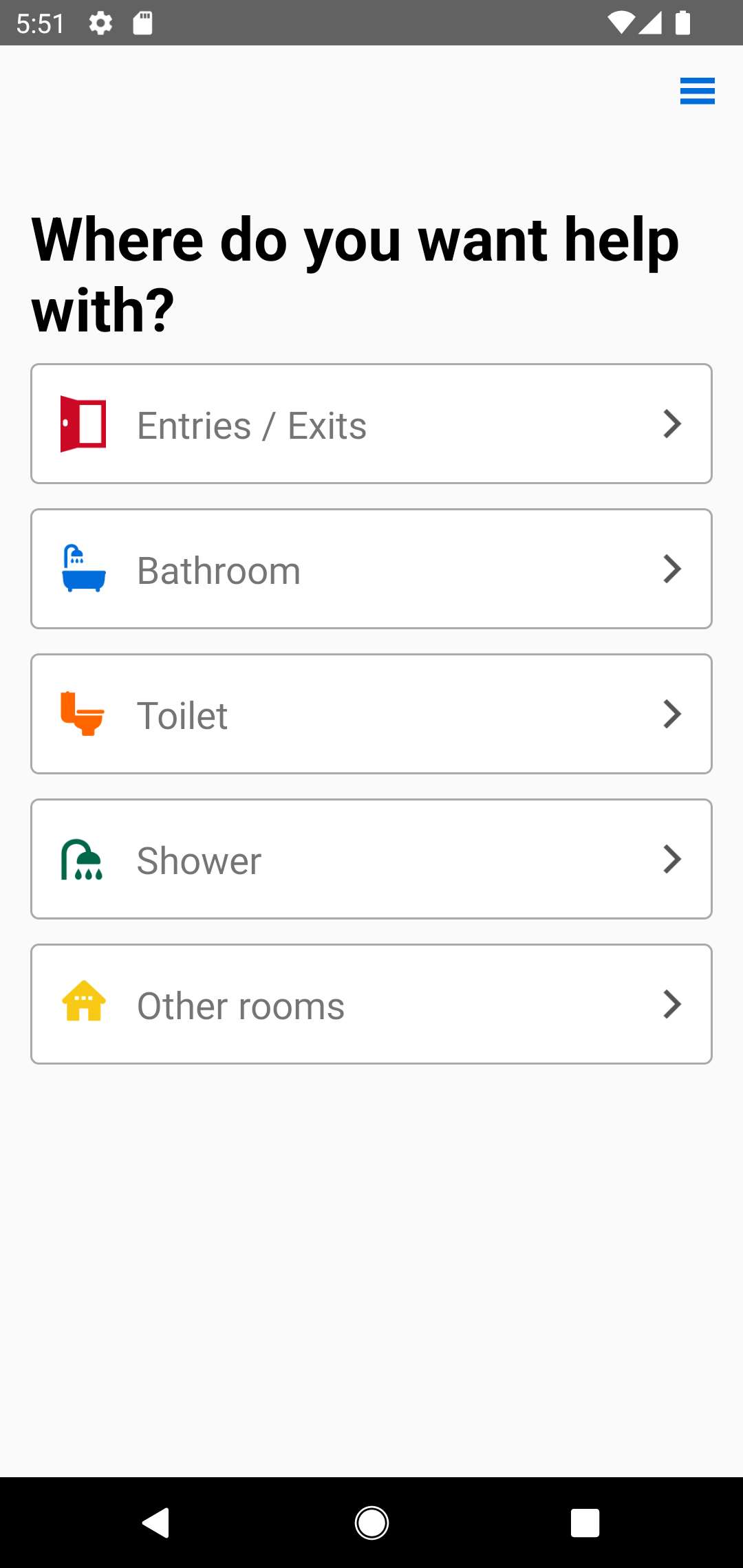
1. From the home screen, tap on Toilet:
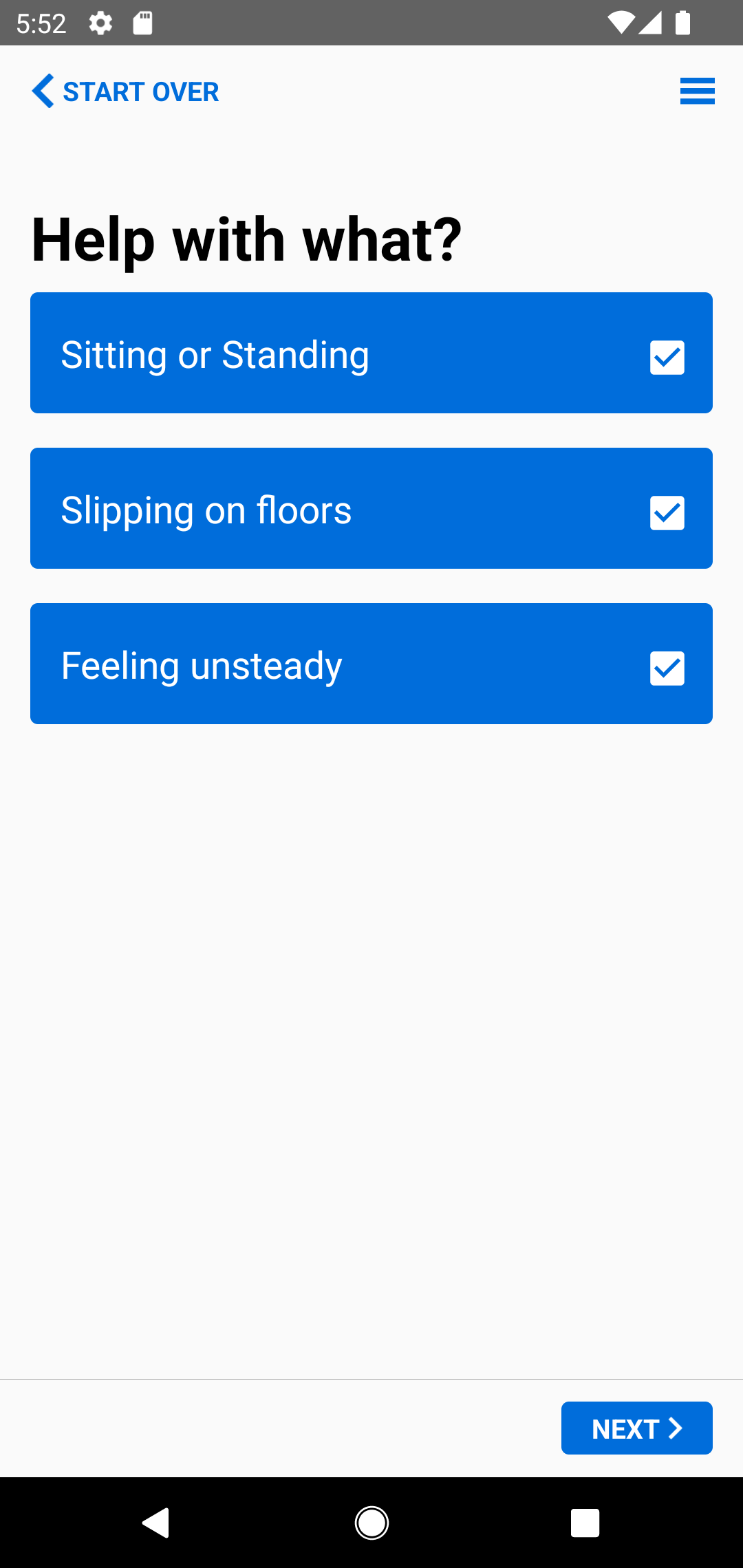
2. Select what you may need help with when toileting then tap on Next:
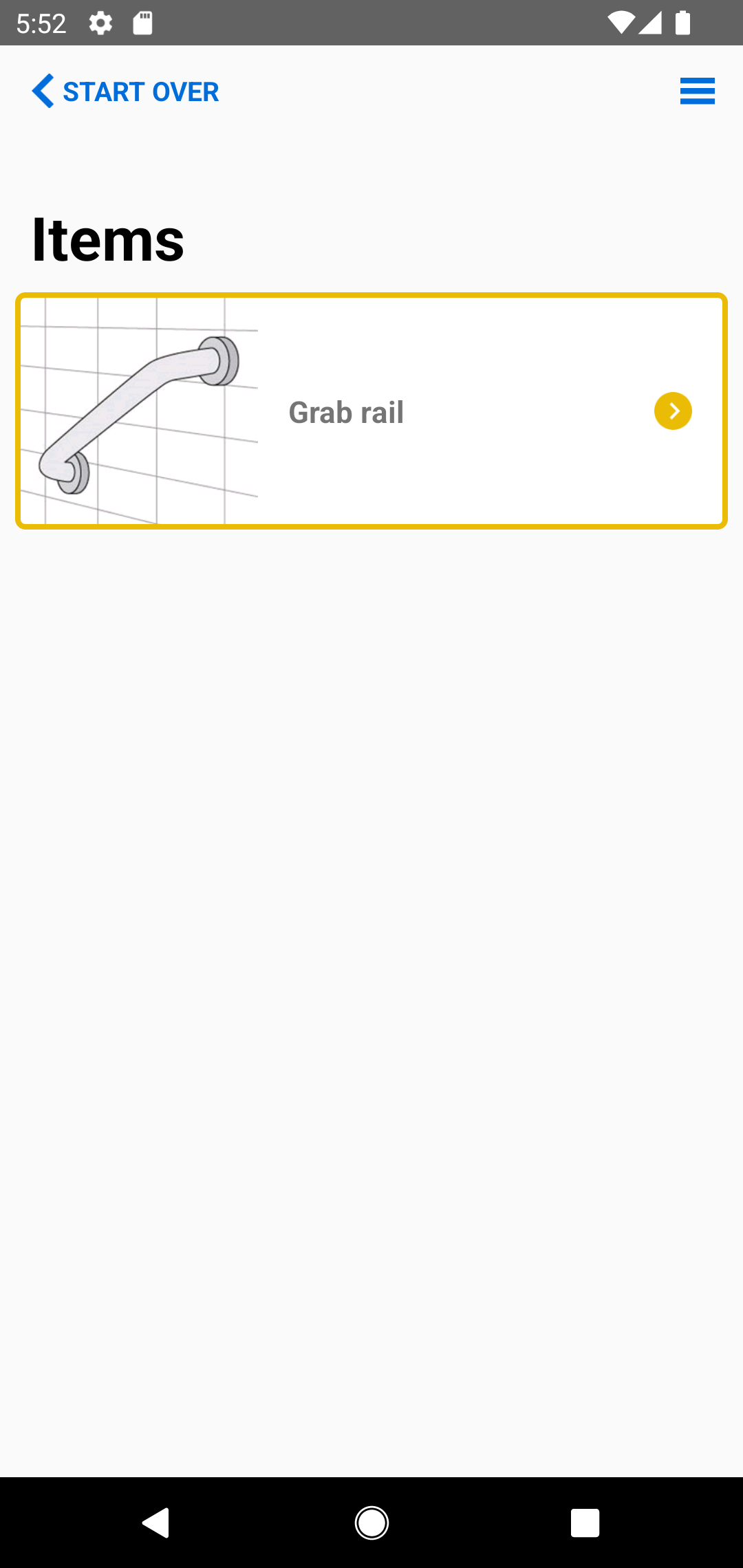
3. Tap on the suggested item:
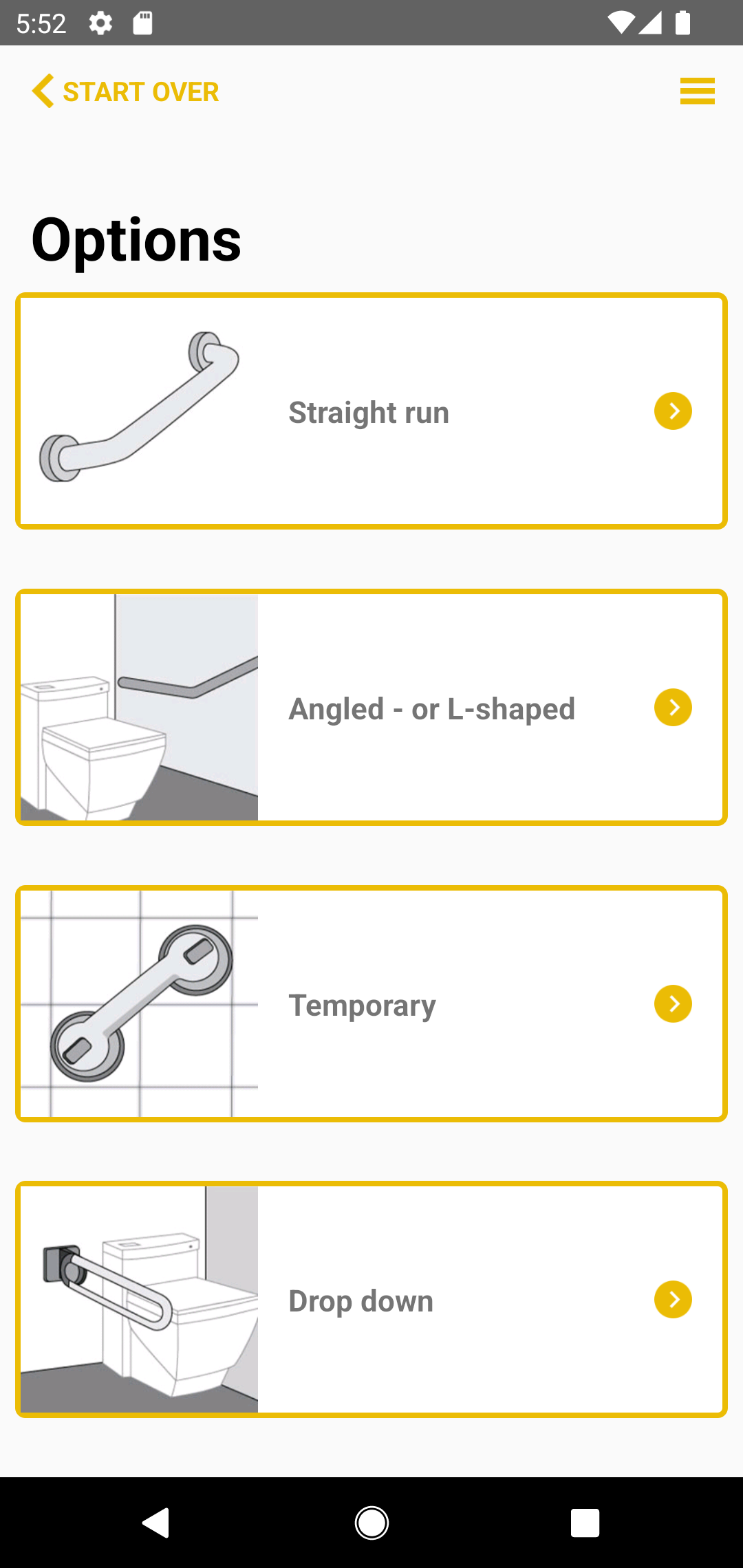
4. Select an option:
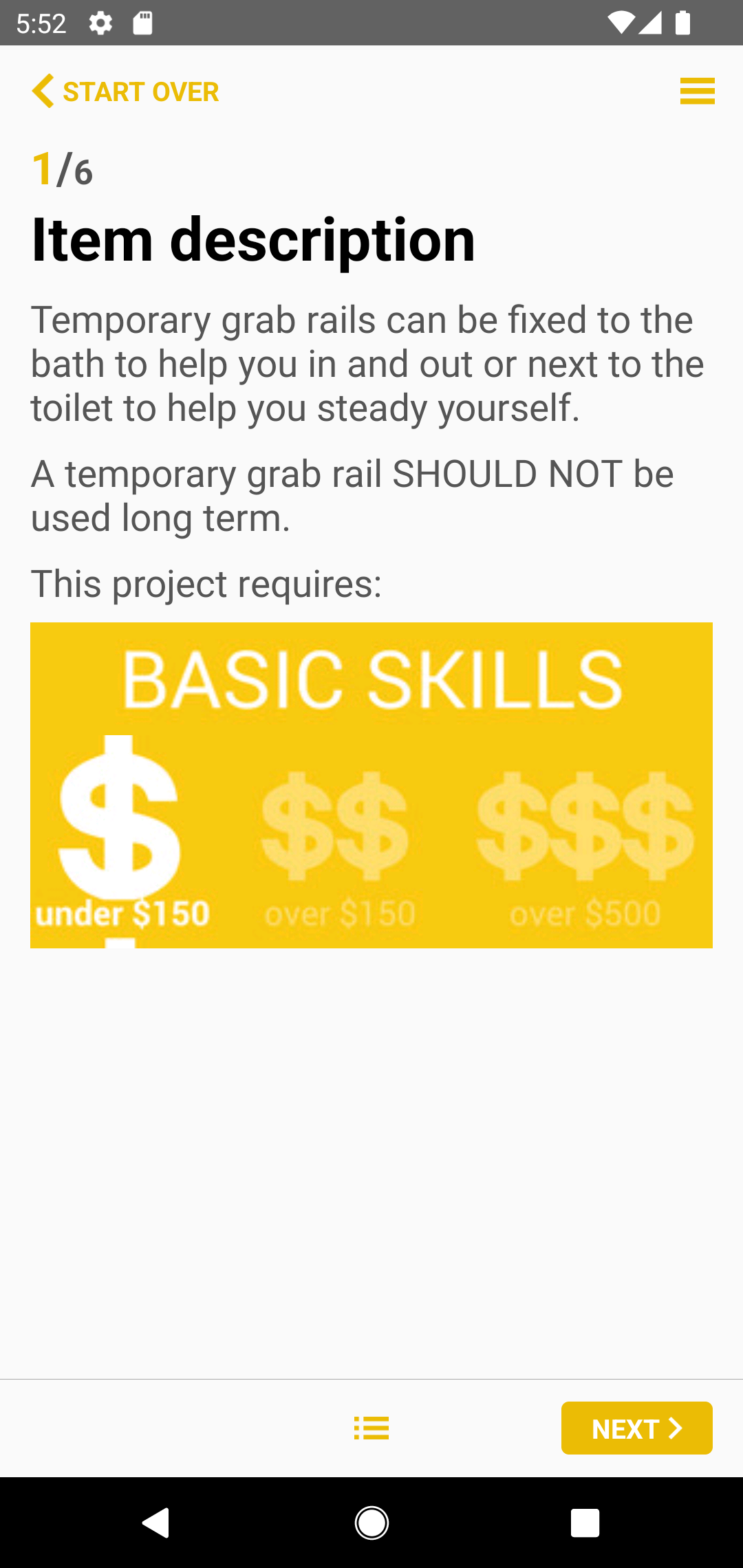
5. Read about the option: